From your cloud to your collection
Import audio from Google Drive, Dropbox, OneDrive, iCloud, WiFi transfer, or iTunes File Sharing.

MUSIC, ANYWHERE
Cloud Music Offline Listening
Bring your music from the cloud, build your playlists, and take your favorite sounds offline. Made for listening on your own terms.
iPhone & iPad·iOS 16.0+
 MUSIC, ANYWHERE
Import audio from Google Drive, Dropbox, OneDrive, iCloud, WiFi transfer, or iTunes File Sharing.
Download your own music into the app and play it offline. MP3, FLAC, WAV, AAC, and other audio formats are supported.
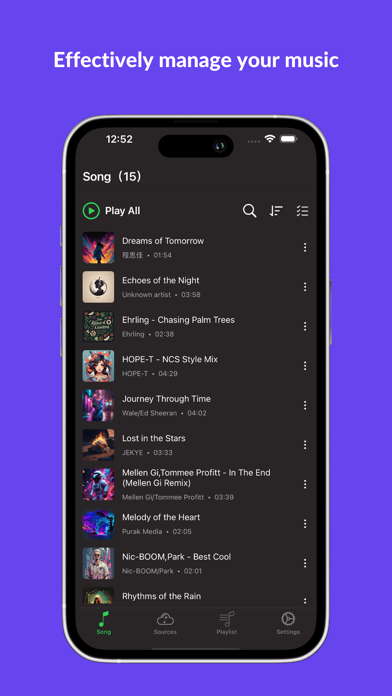
Create playlists, repeat or shuffle songs, set a sleep timer, and control background playback from your lock screen.
TAKE A CLOSER LOOK
Screenshots from the App Store.
Cloud Music plays audio you import. Download your files before going offline; connecting to cloud services requires internet access.
Yes. After importing or downloading your music into the app, you can listen to those files offline.
Google Drive, Dropbox, OneDrive, iCloud, WiFi transfer from a computer, and iTunes File Sharing are supported.